LEAi is designed to dramatically reduce the time it takes to develop training content by handling mundane tasks and letting course and certification builders focus on impact.
Read how LEAi automates many traditionally manual, time-consuming steps in course development.
Many users report saving up to 85% of their time on mundane course-building tasks. Turn source content into a well-structured course in minutes, not days.
One price
Transform, customize, export your courses as many times as you need to meet your business’ needs.
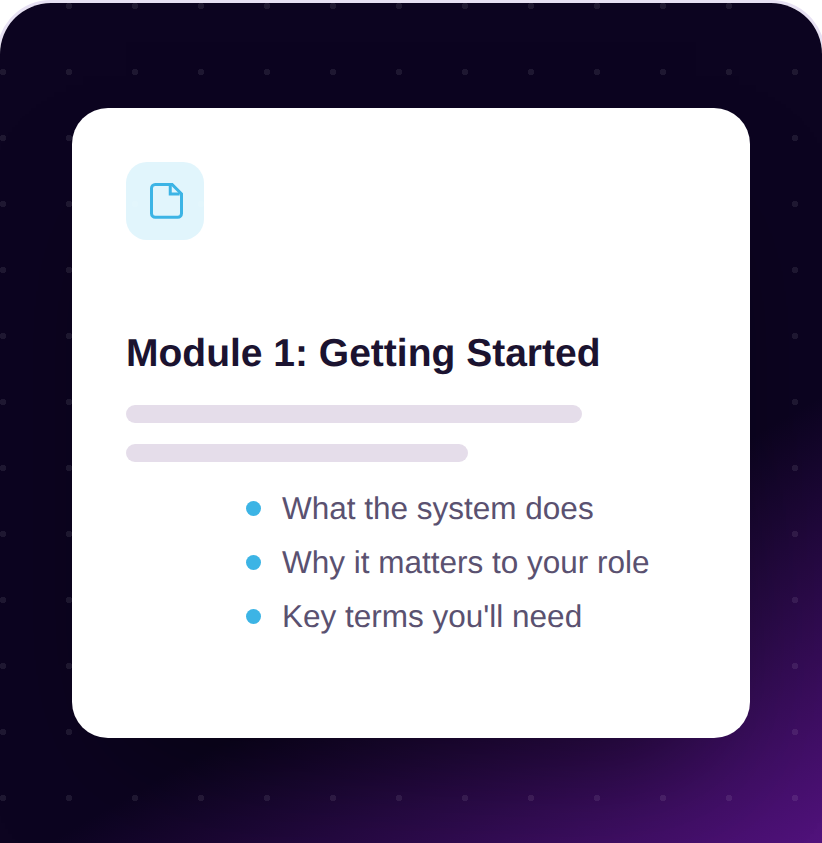
Instruction: This is where the learner understands context on “what” they need to learn and “why” – the core idea, context and concepts.
Show me
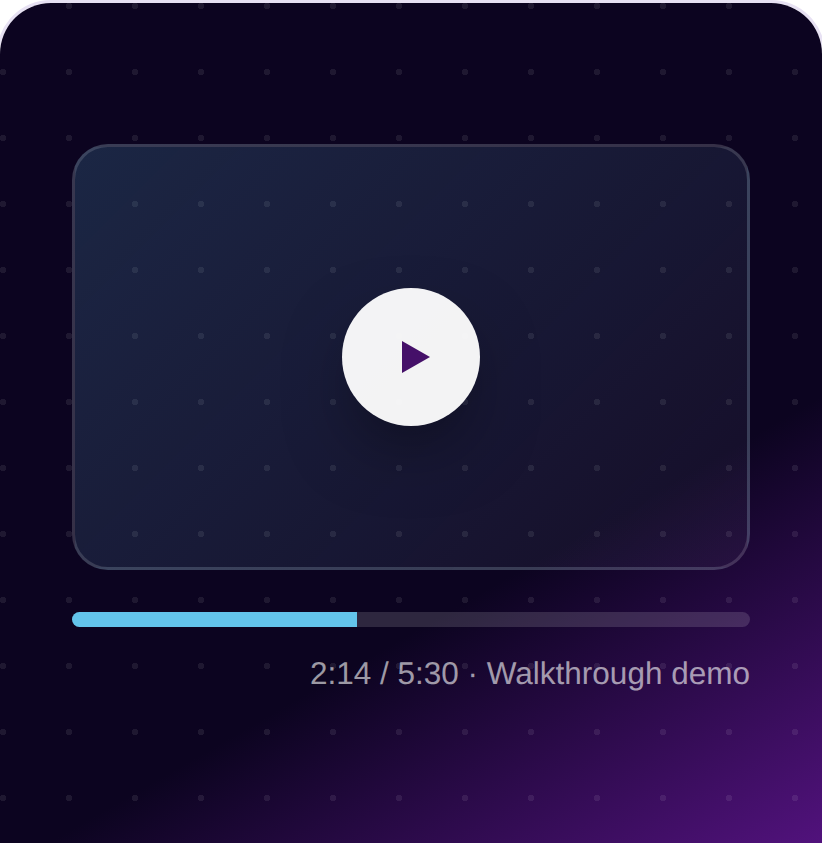
Demonstration: This is used to show a walkthrough, a demo, or a real world example of the tasks that the learner needs to complete.
Let me try
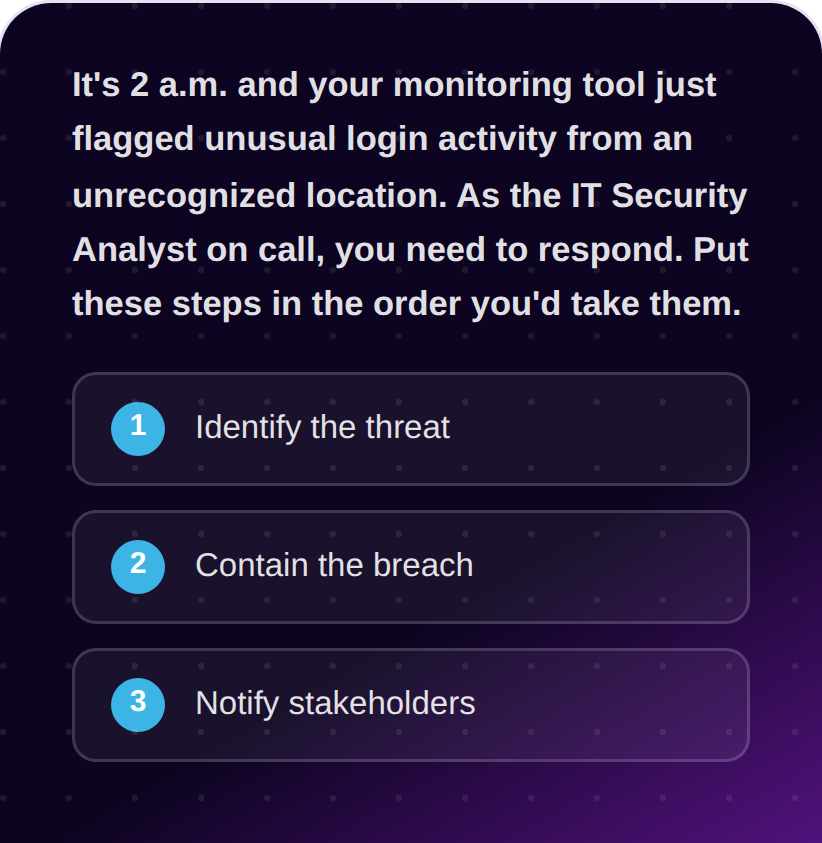
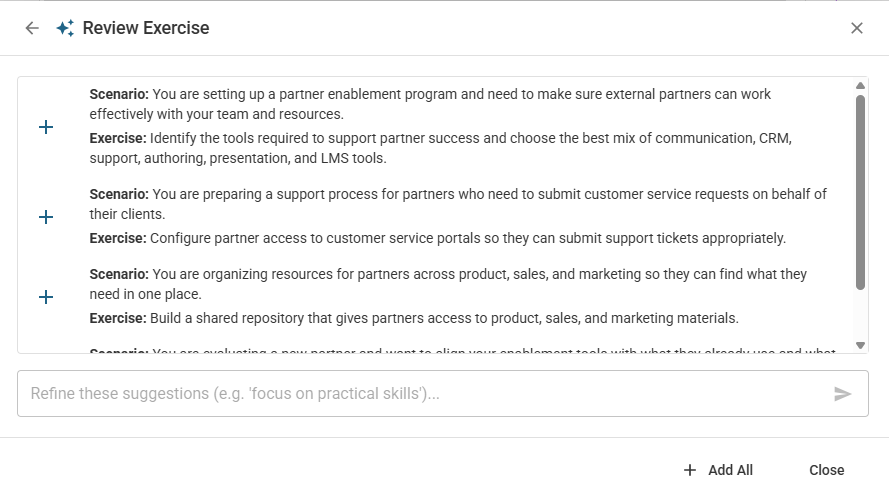
Exercise: Active practice is what turns “I understood the explanation” into “I can actually do this.” Adding a scenario helps the learner to apply what they’ve been shown.
Test me
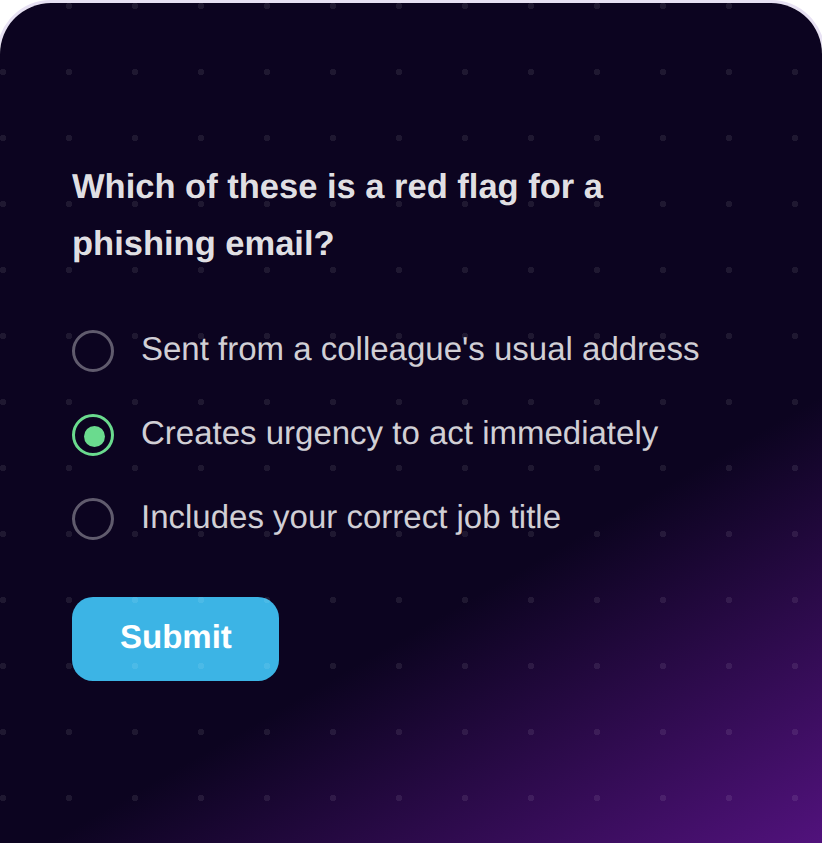
Knowledge check: Testing validates that the learner has gained the skills needed before continuing to more advanced concepts.
AI-Powered Drafting
Start with a fine-tuned draft
Rewriting source content into effective training content takes time. Why not start with a fine-tuned draft that LEAi generates for you, with built-in best practices, so you can refine it and add impact?
LEAi has domain-specific AI where the learning rules are already applied, helping you to:
Generate learning objectives and test questions that link
Create interactive elements automatically, like flip cards, tabs, and labeled images
Incorporate scenarios for demonstrations and exercises
Apply global branding, styles, and accessibility features
This automation allows you to shift your focus from building basic course content from scratch to architecting courses that keep up with changing learner needs and business goals.
text
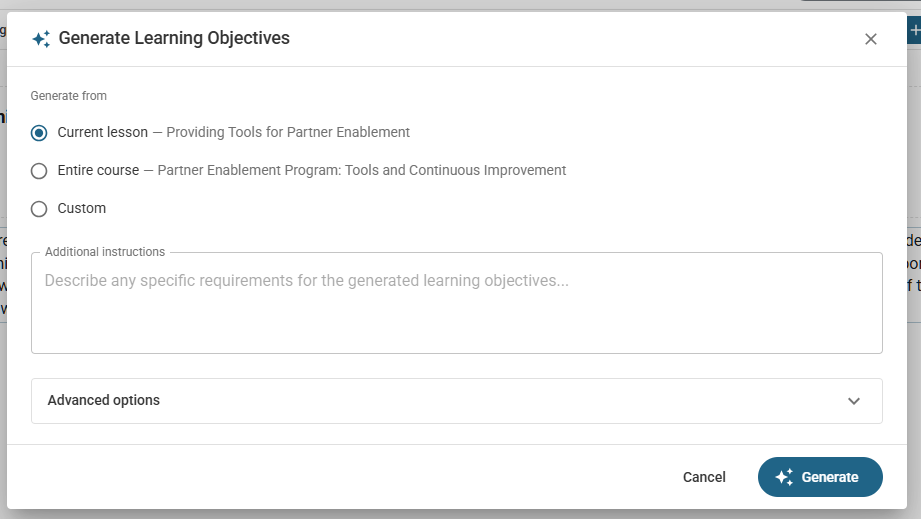
Automatically generate learning objectives
LEAi automatically produces a set of learning objectives aligned to your learning content and expected end-of-course outcomes. Instructors can add learning objectives to any course or section and link them to the knowledge checks.
text
Create interactive elements
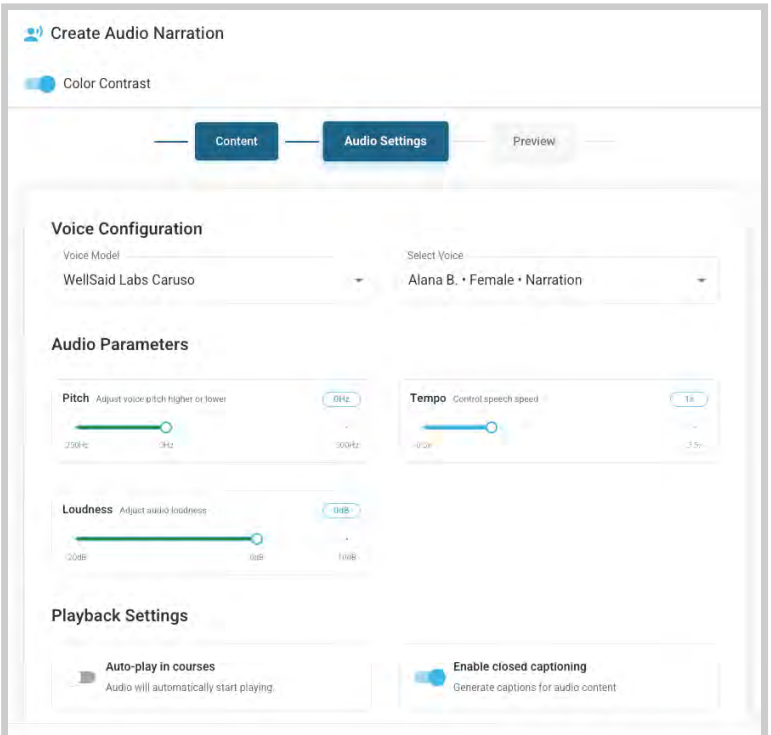
Interactive blocks in LEAi support active participation, improve attention, and help present information in clear, structured formats. Choose from flip cards, tabs, processes, labelled images, categories, audio narration, and more.
“I do not think I have ever used a product, in my lifetime, which provides a ‘quick fix’ to a very tricky problem but LEAi is one of those products. It’s a game changer.”
Exercises
Incorporate scenarios
When users select Generate Exercises, LEAi uses the source content to produce a list of real-world use cases or scenarios that provide context for the learner, along with a related exercise to help them begin development.
text
Knowledge checks
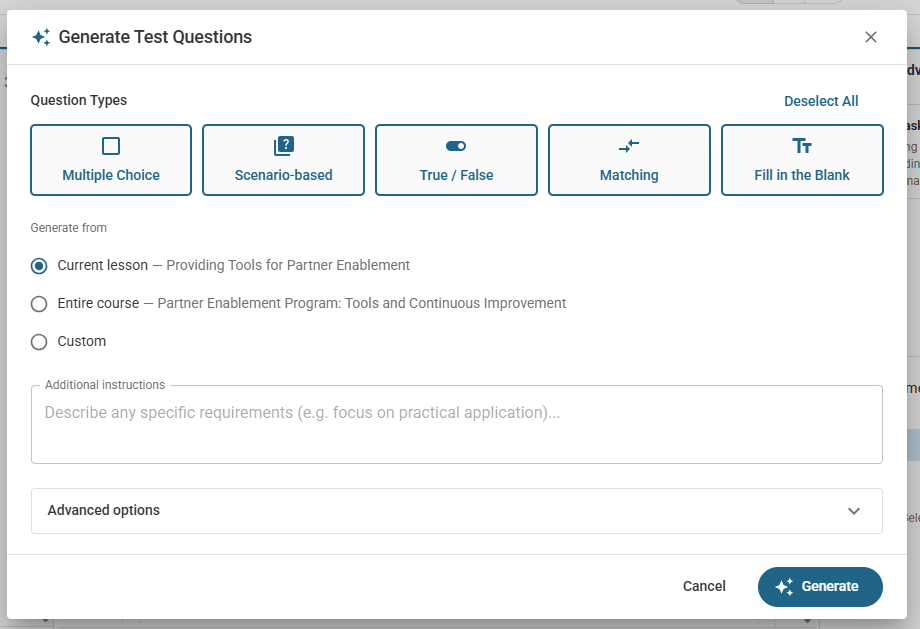
LEAi can create test questions to track learner progress and retention for the topics in the section that link back to learning objectives. Testing also identifies whether learners need additional instruction or practice by providing feedback on specific areas for improvement.
Supported question types include multiple choice, true and false, fill-in-the-blank, matching and scenario-based questions.
text
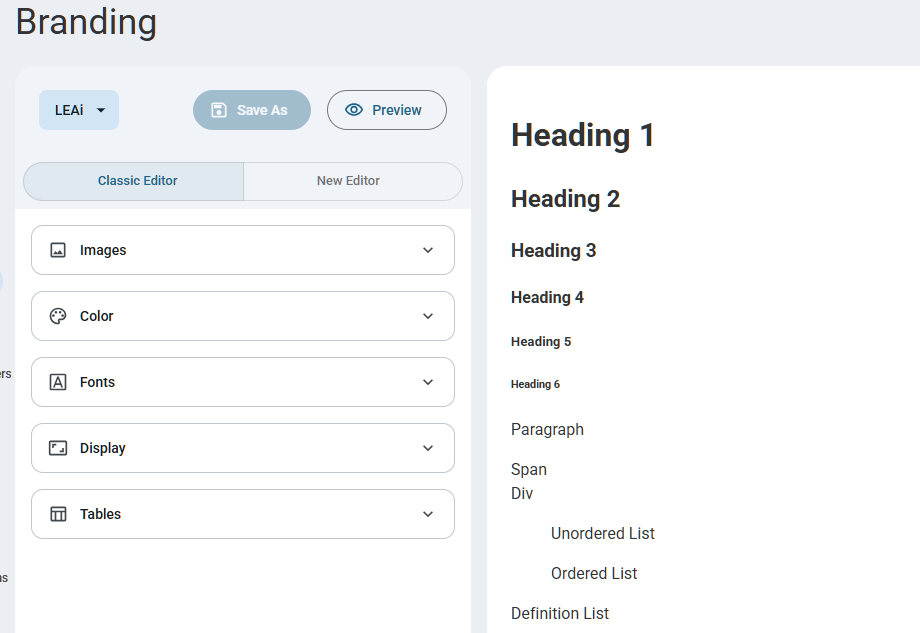
Apply global branding
Users can apply the LEAi preset branding or configure global branding sets to use across all courses and departments, so that courses created and exported are consistent.
Need to customize your courses for a different audience or level? No problem. Just create a branding set and apply it automatically.
Accessibility
Add accessibility features
LEAi supports adding alternative text to all images, Section 508, and WCAG compliance.
Add audio and rely on content that can be accessed via keyboard navigation and screen readers, for anyone with disabilities.
text
LearnAdvisor
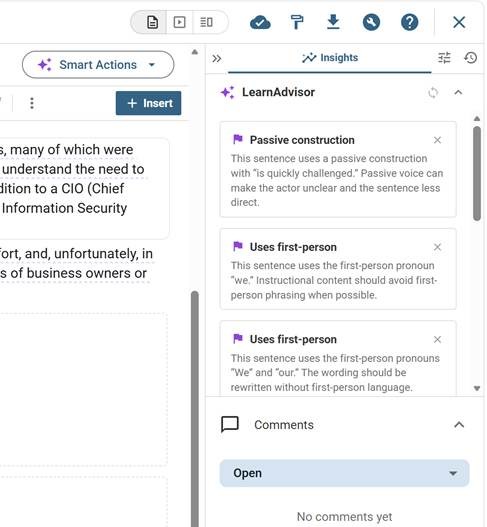
LEAi’s patented in-app guidance system gives direction to add industry standards and your own standards to your course, just select the option you’d like to accept and click transform to automate applying it!
The LearnAdvisor assesses your course real-time and offers suggestions to improve your course to create a high-quality experience for the learner.
LEAi’s unique in-app guidance system gives leading enterprise companies:
Consistent voice to the learner, for example present tense with first-person references
Correct grammar with your language and styles
Interactive element suggestions that enhance the learner experience based on an analysis of your content and how to present it.
“LEAi is a truly groundbreaking training development tool that enables content experts to develop consistent, high-quality training. Just drop your content into the tool and let it advise you.”
text
Link External Content
Use API and MCP connectors to link content from various sources together into one course and then publish. LEAi includes API links to 15+ external vendors and partners to:
Embed videos, simulations, audio and visuals into the flow of courses built in LEAi
Connect multiple learning development tools together, publishing once
Bring content that’s already processed in other LLMs for use in courses
For the first time, you can connect content and learning assets from various sources all into the same course design and development simultaniously and then use this content to create knowledge check questions and exams that are all linked together.
On upload, choose the best approach based on your source content and your learning and certification goals.
“Upload As-Is”, where LEAi will import the slides without rewriting the content.
“Rewrite Each Page”, treats each section of content as an individual unit and rewrites the content one slide at a time. This option helps when your slides are already roughly organized for training, but you want LEAi to improve each slide’s clarity and instructional value without changing the overall structure.
“Rewrite as Course”, which uses LEAi’s generative AI to convert the raw source content into content prepared for learning with best practices applied.
Choose to apply a proven learning framework on upload, embedded into your course automatically or add your own structure later.
At each step, you can change, edit, delete or restructure based on your expertise and learner needs.
Ecosystem
Remember! LEAi works with the content and tools you already use
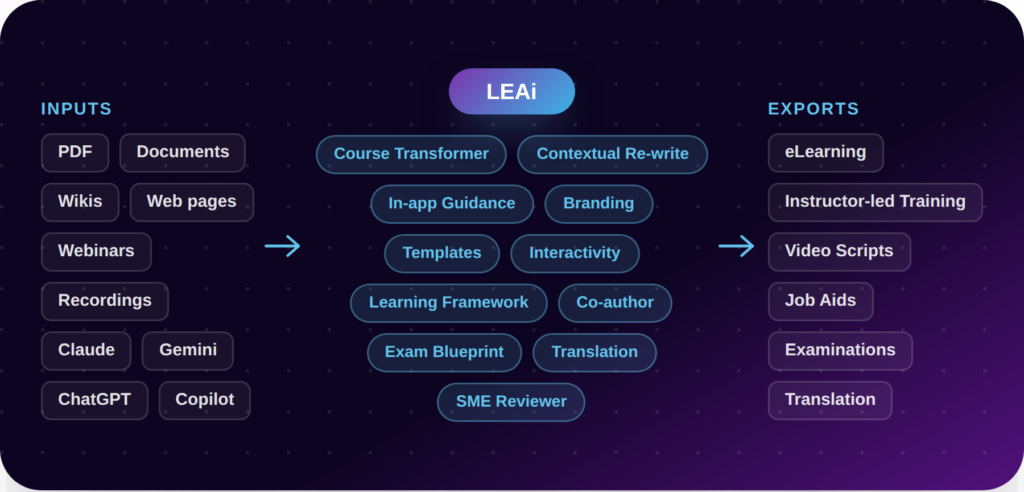
No need to start from scratch. Import content from
PDFs
Word and Google documents
Wikis
HTML web pages
Webinars
Audio recordings
AI-tools like Claude, Gemini, ChatGPT and Copilot
and LEAi transform it into eLearning, instructor-led training (ILT), video scripts, job aids and certification exams in multiple languages.
Unlock Domain-Specific AI for Enterprise Learning
Ready to see LEAi in action?
Request a personalized demo and see how teams across the entire enterprise do their best work with LEAi. Build everything your teams need on one collaborative platform.